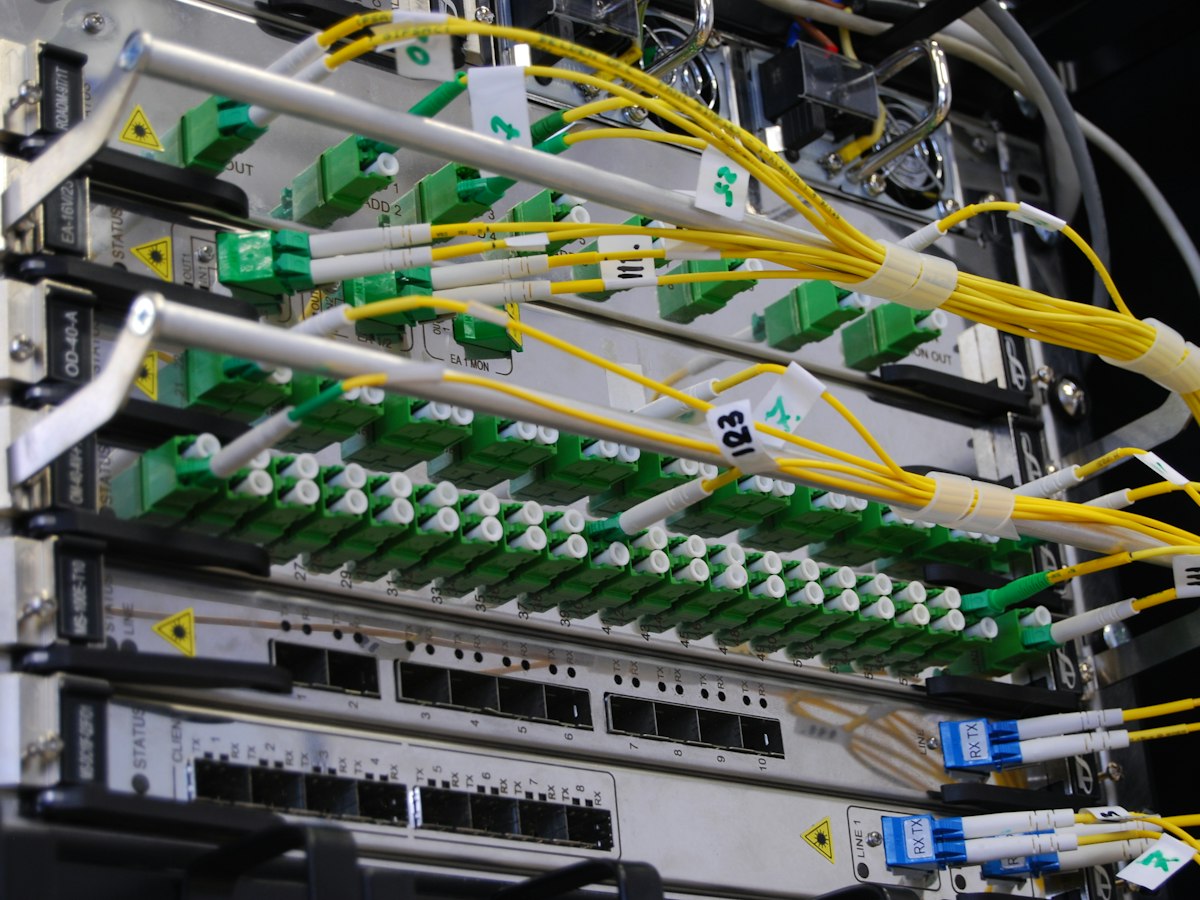
Most companies' networks are designed for the needs of their first day: a few computers, a modem, perhaps a switch and a wireless access point. As the company grows, devices are added to this setup but the design stays the same. At some point the network starts running behind the business instead of ahead of it. If you see several of the signs below, it may be time to rethink the network rather than keep adding to it.
1. Wi-Fi drops at certain times of day
Connections dropping during morning meetings or at busy times in the afternoon show that there are not enough access points, or that they are in the wrong places. Wireless networks built with home-grade devices stop being stable after a certain number of users. Business-grade access points and a proper coverage plan often remove this problem completely.
2. Everyone is on the same network
If accounting computers, guests' phones, printers, cameras and servers all share one network, a single weak device puts the whole network at risk. Splitting the network into segments (VLANs) improves security and stops a problem in one segment from affecting the others. Keeping the guest network fully separate from the company network is the most basic step.
3. Nobody knows the network diagram
If which cable goes to which port, which device uses which IP address and where the passwords are kept lives only in one person's head, or in nobody's, that is a design problem. In an undocumented network, every fault starts with guesswork and takes longer than it should.
4. Adding a branch or a floor becomes a project every time
For a growing company, a new office, warehouse or floor is common. If every addition needs new cabling, a separate modem and manual configuration, the network was not designed to scale. Centrally managed devices and secure links between sites can turn opening a new location into a job of hours rather than days.
5. Devices are past their support date
Switches, firewalls or access points that the manufacturer no longer updates are a security risk. Even if they keep working, they cannot be patched against newly discovered vulnerabilities. Knowing the end-of-support dates of the devices in your inventory turns replacement from an urgent expense into a planned budget item.
How a redesign should be done
A redesign does not mean changing everything overnight. The right order is:
- Review the current state and document the devices, cabling and connections,
- Discuss expected growth over the next two to three years,
- Prioritise the risky points and bottlenecks,
- Move over in stages, outside working hours, without disrupting the running systems.
We start every engagement with a free discovery and analysis. We review your current network and present the risks and improvement suggestions to you in writing, in order of priority.
Need help with this? Let us review your current systems with a free discovery and analysis, and give you the risks and our recommendations in writing.